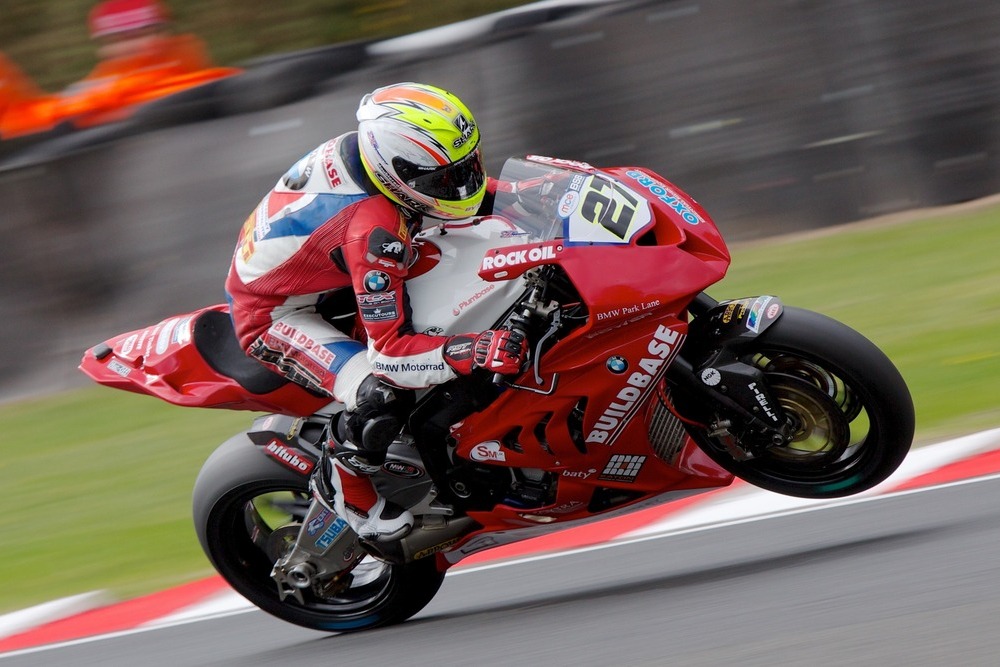
Fill div Proportionately with Image
Various media queries to target specific devices, resoultion, viewports, and resolution.
Full Size Image - Not a Background
background-size: cover;
background-size: contain;
background-size: 150px 100px;
Code Example
   <style>
    .fill {
     display: flex;
     justify-content: center;
     align-items: center;
     overflow: hidden;
     border: 1px solid #149BF3;
     border-radius: 7px;}

    .fill img {
     flex-shrink: 0;
     min-width: 100%;
     min-height: 100%;}

    #racing {
     width: 1000px;
     height: 667px;}

    .background-cover {
     width: 100%;
     height: 200px;
     background-image: url('../images/superbike-racing.jpeg');
     background-size: cover;
     background-position: center;
     background-repeat: no-repeat;
     border: 1px solid #149BF3;
     border-radius: 7px;
     margin: 20px 0 0 0;}

    .background-contain {
     width: 100%;
     height: 200px;
     background-image: url('../images/superbike-racing.jpeg');
     background-size: contain;
     background-position: center;
     background-repeat: no-repeat;
     border: 1px solid #149BF3;
     border-radius: 7px;
     margin: 20px 0 0 0;}

    .background-dimensions {
     width: 300px;
     height: 200px;
     background-image: url('../images/superbike-racing.jpeg');
     background-size: 150px 100px;
     background-position: center;
     background-repeat: no-repeat;
     border: 1px solid #149BF3;
     border-radius: 7px;
     margin: 20px auto;}
   </style>